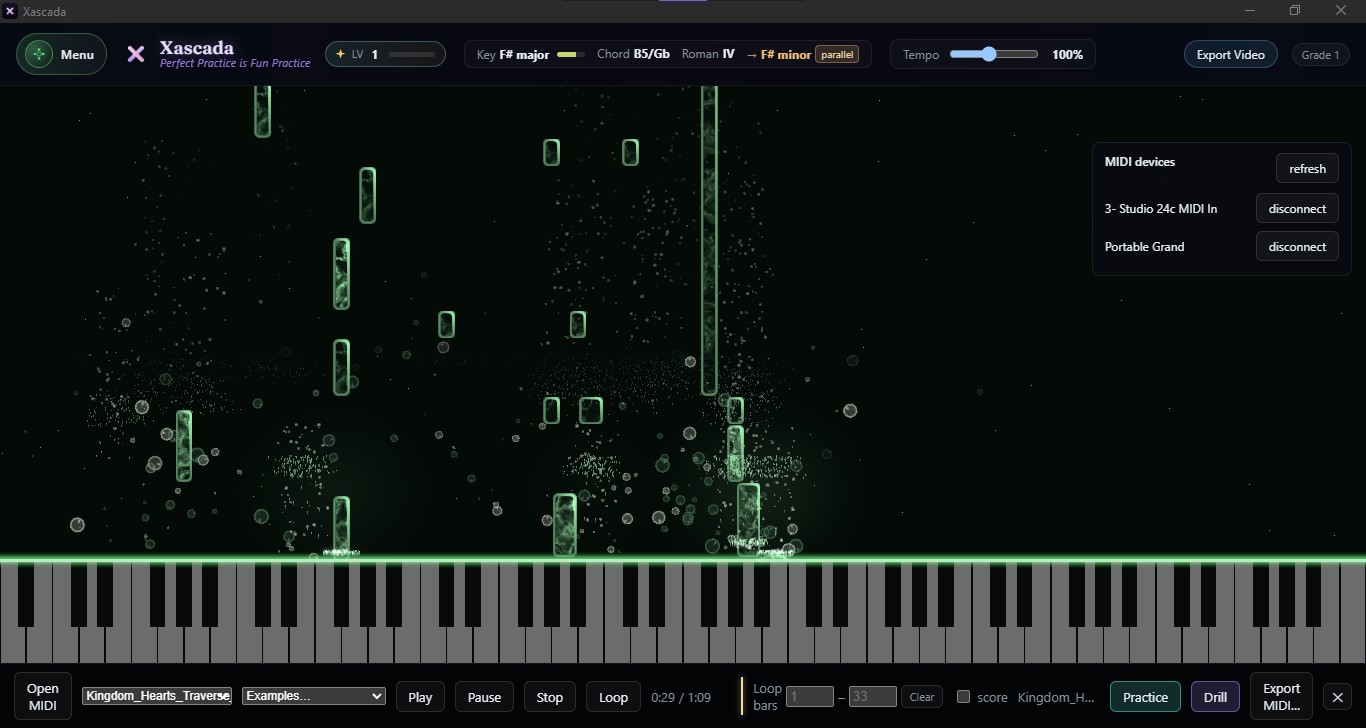
A top bar reads the key, the chord and the Roman numeral in real time, so a voicing you found by ear gets its name the moment you hold it.
02
Where it could go next.
Beside the numeral, Xascada points to a related key — parallel, relative, subdominant or dominant — so you can see where the harmony could move.
03
From reading to writing.
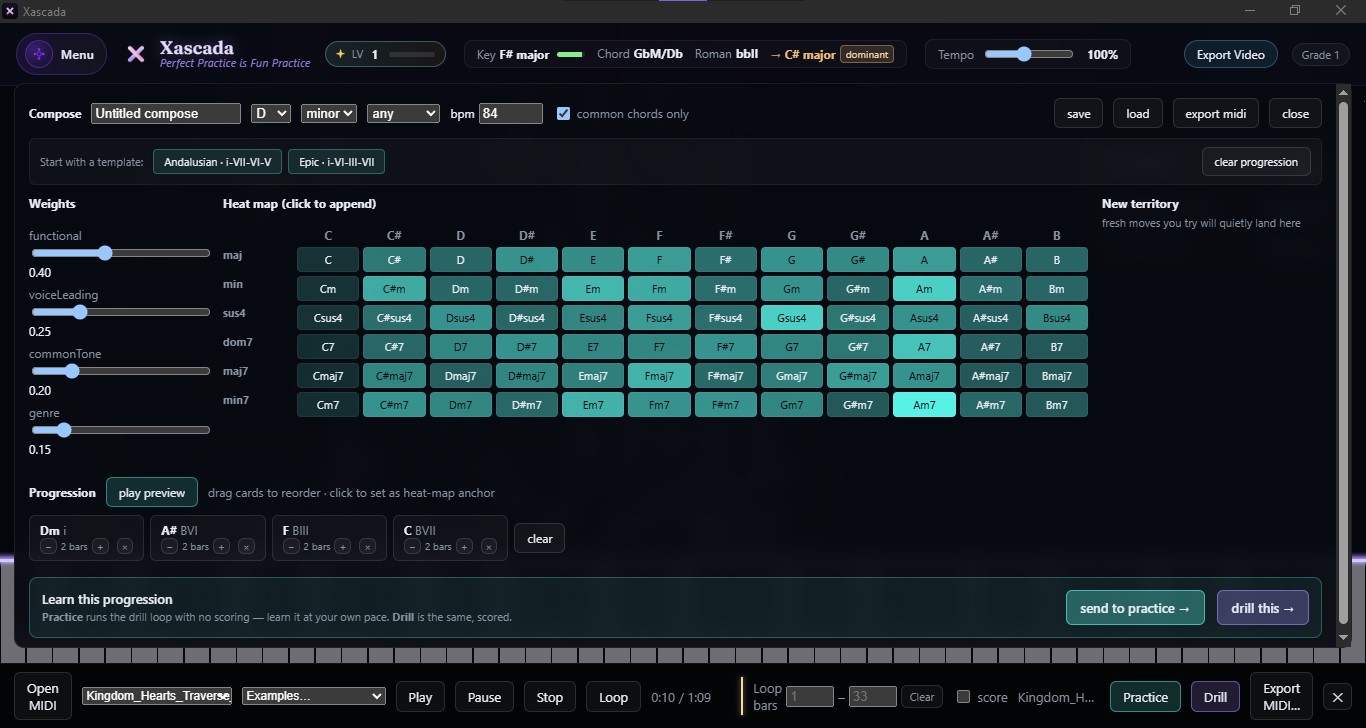
When a progression works, build on it in Compose: a chord heat-map with weighted suggestions, then export MIDI or send it to practice.
01
What it reads
Three real readouts in F# major: the chord and its numeral, then the related key the arrow points to.
One bar across the top of the window, updated live: the key you're in, the chord under your hands, and its Roman numeral in that key. After them, an arrow points to a related key and names the relationship — parallel, relative, subdominant or dominant. The tempo control sits beside it.
Play a progression and watch it name itself. The notes you're holding fall as light onto a lit keyboard below, so you see the voicing and its name at the same moment.
02
How to set it up
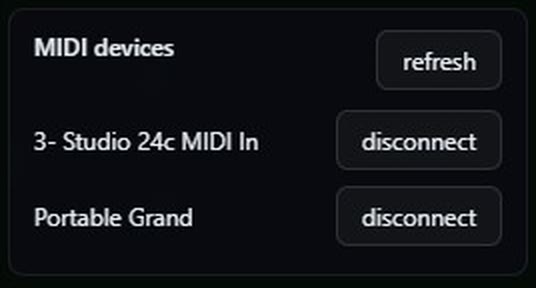
Plug in over USB and the keyboard shows up here. That is the whole setup.
Chord recognition works from MIDI — the notes your keyboard sends — so there is no microphone to place and nothing to calibrate.
1 Connect a MIDI keyboard or controller over USB. It's plug and play: Xascada lists every connected device.
2 Open live play.
3 Play. The key, chord and Roman numeral update as you change what you're holding.
03
Who reaches for it
Live play: the voicing falls as light below while its name reads out above.
Theory students checking their Roman numeral analysis against what their hands are actually doing. Songwriters who found a chord by ear and want to know what to call it. Teachers who want a progression's numerals on screen while they play it. Producers sketching a part who want the harmony named before they commit it.
04
Then write with it
Compose: append chords from the heat-map, reorder by drag, then send to practice or export MIDI.
Compose takes over where reading stops: build a progression from a chord heat-map with weighted suggestions and templates, reorder it by drag, then export it as MIDI to your DAW or send it to practice and drill it.
Q&A
Questions people ask
Does it work with any MIDI keyboard?
Any standard MIDI keyboard or controller — 25 keys to 88, weighted or not. USB MIDI, plug and play. Xascada lists every connected device.
Does it show Roman numerals?
Yes. The top bar reads the Roman numeral of each chord in the current key, and points to a related key: parallel, relative, subdominant or dominant.
Does it listen through a microphone?
No. Recognition works from the MIDI notes your keyboard sends, so it needs a MIDI connection rather than a microphone.
Does it run on Mac, Windows and iPad?
Yes — Windows 10 or 11, 64-bit, or macOS 12 or later, Apple Silicon and Intel. On iPad it's on the App Store (iPadOS 17 or later, with a USB or Bluetooth MIDI keyboard).
Is it free?
Every plan starts with a 14-day free trial with the whole instrument, live chord reading included. Cancel before it ends and you pay nothing.
Hear it. Name it.
Free for 14 days on Mac, Windows and iPad. Plug in and play a chord.
Your plan, card, invoices, license key and installer downloads live in your Polar customer
portal. Enter the email you used at checkout — Polar sends you a one-time code and opens the
portal.