Play a MIDI keyboard or open a MIDI file, pick a look, choose the audio, and export 1080p — 16:9 for YouTube, 9:16 for TikTok, Reels and Shorts. One window, no editing timeline.
Perform the piece live on a USB MIDI keyboard, or open a MIDI file and let the built-in synth play it. Either way the notes fall as light onto a lit keyboard.
02
Choose the look and the sound.
Six appearance presets, switchable impact effects and custom colours. For audio, use the built-in synth or your own recording of the take.
03
Export the frame you post.
1920×1080 for YouTube, or 1080×1920 for TikTok, Reels and Shorts with the bands those apps cover shaded in the preview. Both at 30fps.
01
What you need
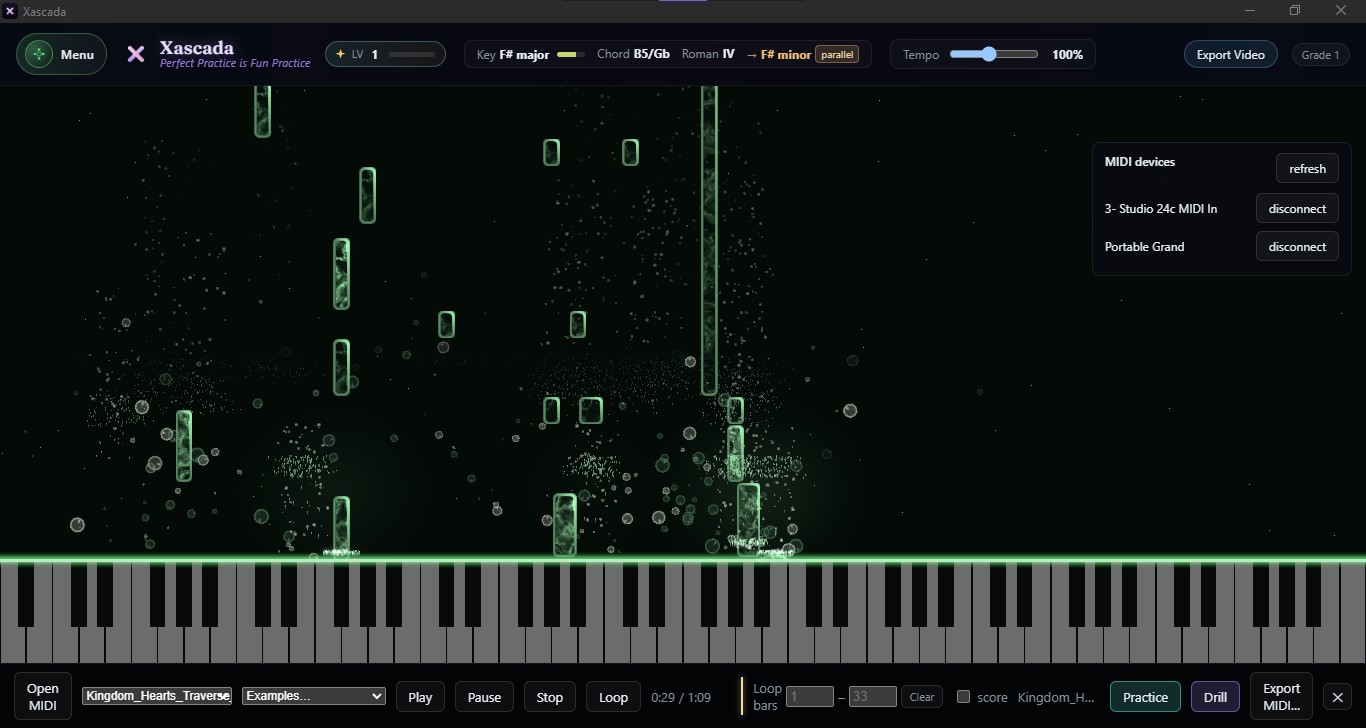
Plug in and Xascada lists the keyboard under MIDI devices. Or press Open MIDI and play a file through the built-in synth.
A computer running Windows 10 or 11, 64-bit, or macOS 12 or later, Apple Silicon and Intel. A MIDI keyboard, if you want to perform the piece yourself. Any standard MIDI keyboard or controller — 25 keys to 88, weighted or not. If you don't have one, a MIDI file is enough: Xascada plays it back as light through its built-in synth.
Optional: an audio recording of your own performance, if you'd rather the video carry your instrument's sound than the synth.
02
Step by step
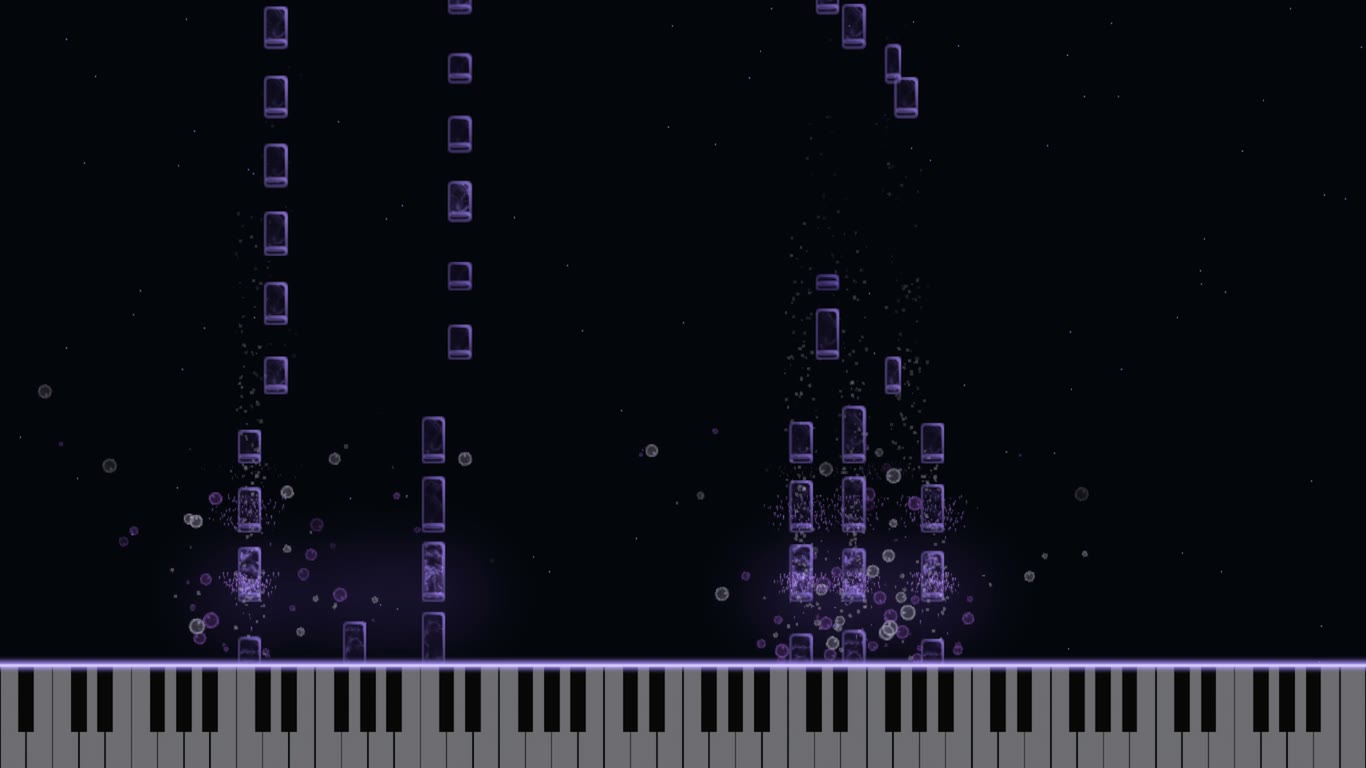
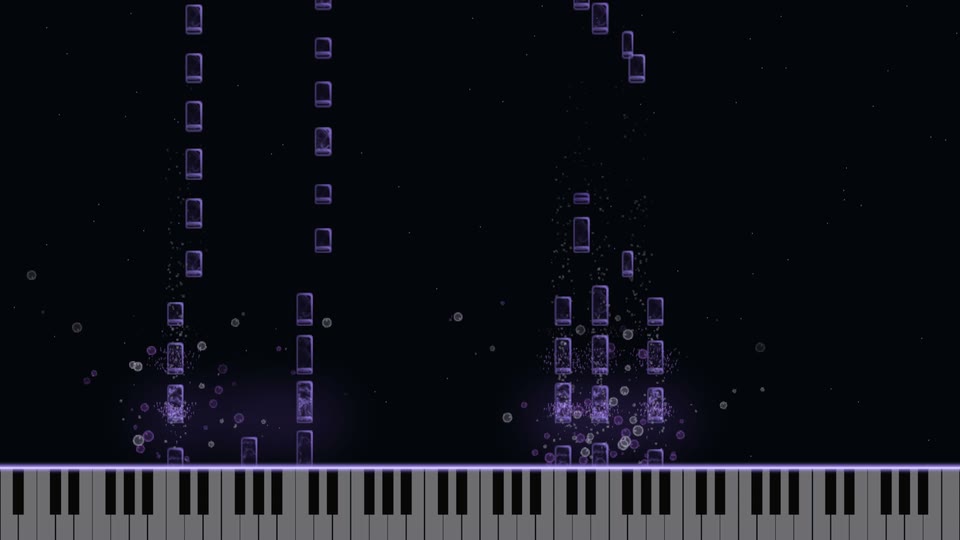
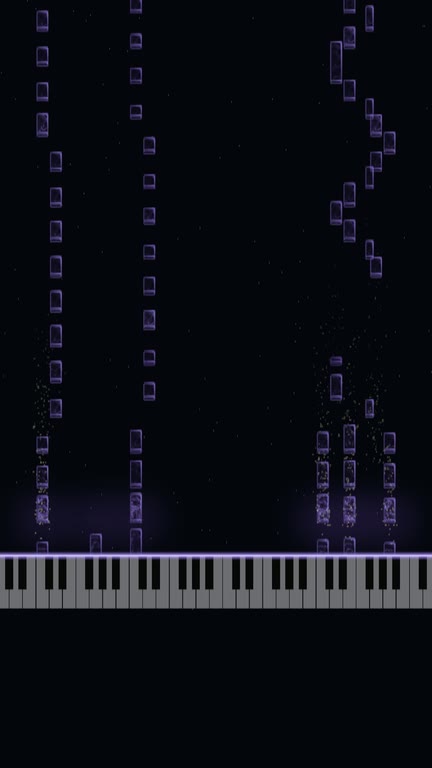
violet
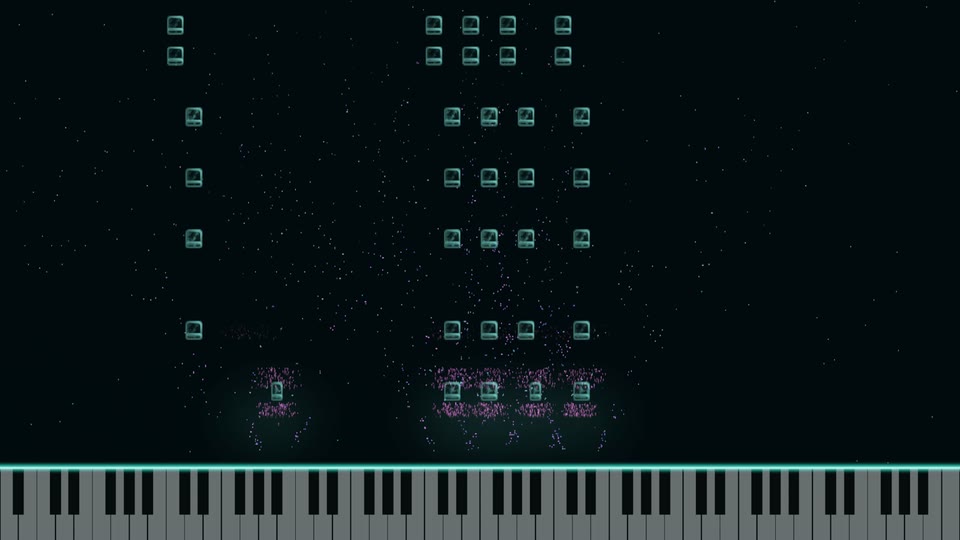
teal
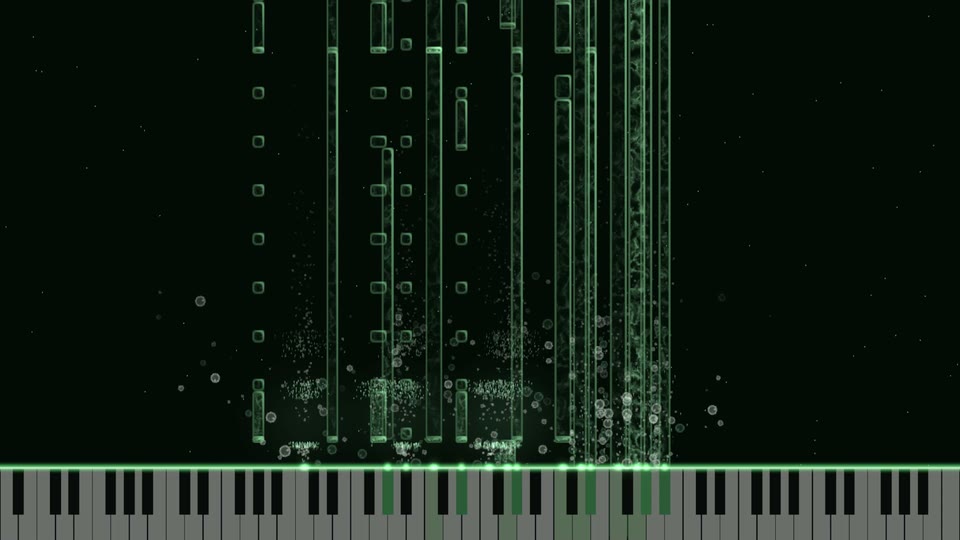
green
Three exported videos, three looks. Same keyboard, different theme and colours.
The whole video is made inside one window. There is no timeline to edit; you play, choose, and render.
1 Connect your keyboard over USB — Xascada lists every connected device. Or skip the keyboard and open a MIDI file.
2 Play the take. Every note you press falls as light onto the on-screen keyboard, with the key and chord read out across the top.
3 Pick a theme and an impact effect, and set custom colours if you want the video to match your channel.
4 Choose the audio: the built-in synth, or your own recording of the performance.
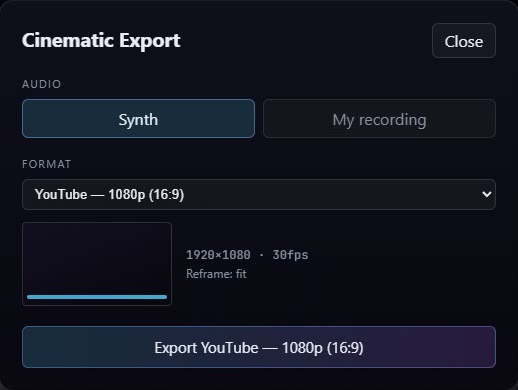
5 Open Cinematic Export and pick the format — YouTube 1080p (16:9, 1920×1080) or TikTok / Reels / Shorts (9:16, 1080×1920), both at 30fps — then render.
03
YouTube or Shorts? Decide before you render
16:9 · 1920×1080
9:16 · 1080×1920
One take, exported both ways: 16:9 for YouTube, 9:16 for Shorts, TikTok and Reels.
A full-length YouTube upload wants 16:9. Shorts, TikTok and Reels want 9:16, and each app lays its own buttons and captions over the edges of the frame.
Xascada's vertical export reframes the scene for a phone and shades the bands those apps overlay, so you can see which notes stay visible before the file exists. You can post both from one take: the full piece on YouTube, and a 9:16 cut of a single phrase as a Short.
04
Synth or your own recording
The export dialog: pick the audio, pick the format, render.
The built-in synth is the simple route: the sound and the light come from the same notes, so they can't drift apart.
If your digital piano or a mic'd acoustic sounds the way you want, record the audio as you play and use that recording as the video's soundtrack. The clip then sounds exactly like your take.
Q&A
Questions people ask
Do I need a MIDI keyboard to make a piano visualizer video?
No. Open a MIDI file and the built-in synth plays it back as light, and Cinematic Export works without a keyboard connected. Plug one in when you want the video to be your own performance.
What resolution and frame rate does the export use?
1080p at 30fps in both formats: 1920×1080 (16:9) for YouTube, and 1080×1920 (9:16) for TikTok, Reels and Shorts.
Can I use my own piano sound instead of the synth?
Yes. When you export, choose the built-in synth or your own recording as the audio.
Does it run on Mac, Windows and iPad?
Yes — Windows 10 or 11, 64-bit, or macOS 12 or later, Apple Silicon and Intel. On iPad it's on the App Store (iPadOS 17 or later, with a USB or Bluetooth MIDI keyboard).
Can I try it before paying?
Yes. Every plan starts with a 14-day free trial, with full-quality export from the first minute. Cancel before it ends and you pay nothing.
Your first video, tonight.
Free for 14 days. Play it, pick the frame, render.
Your plan, card, invoices, license key and installer downloads live in your Polar customer
portal. Enter the email you used at checkout — Polar sends you a one-time code and opens the
portal.